Free Live Lyrics Projection
Putting Tagalog and Ilocano Bible verses on screen during worship
In many churches in the Philippines, a single service moves between languages. The worship set might be in English and Tagalog, the sermon in Ilocano, and the scripture reading in whichever translation the congregation knows best. Getting all of that on screen has often meant typing verses into slides by hand, one reference at a time.
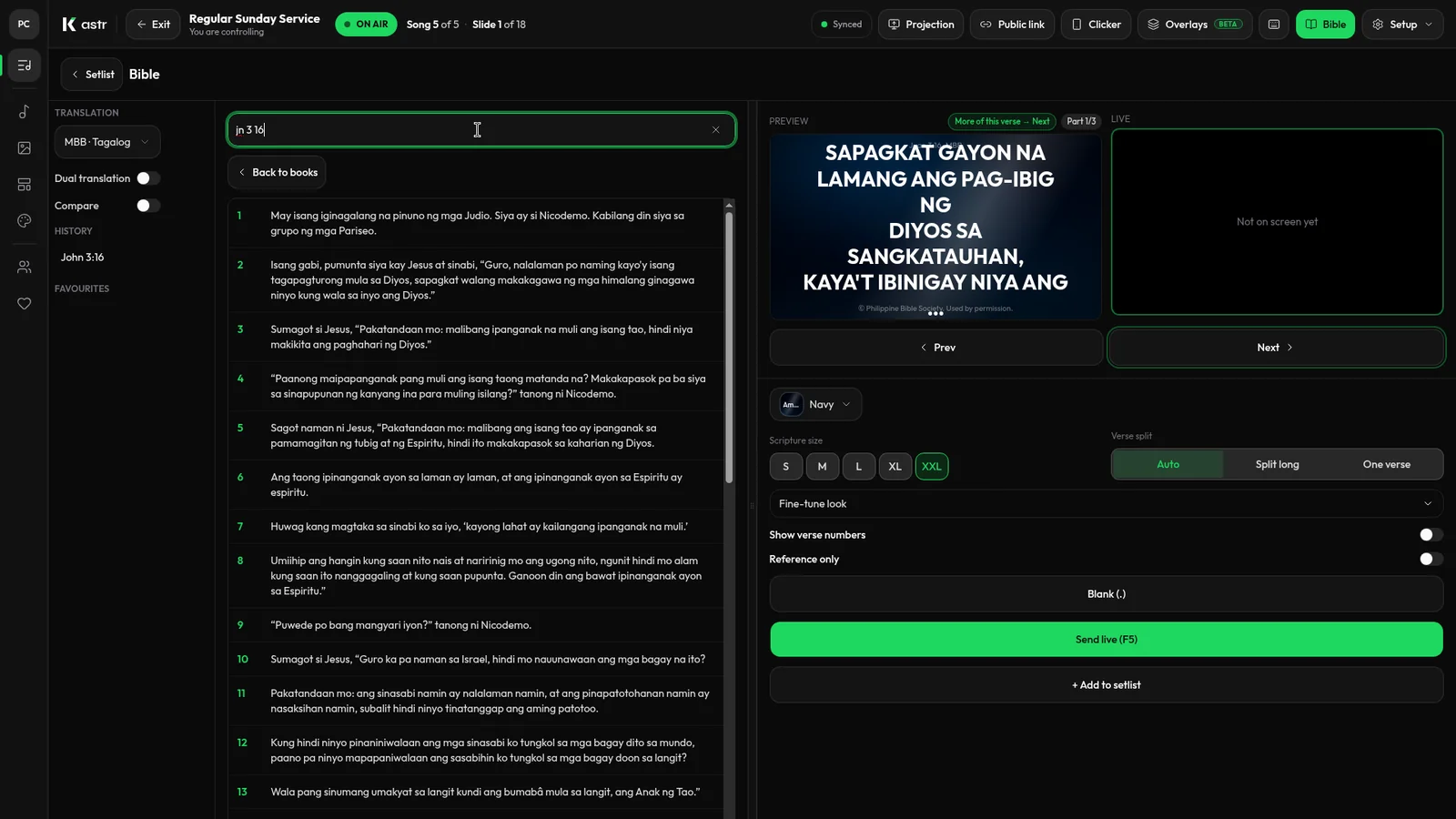
Kastr has a Bible mode with English, Tagalog and Ilocano translations built in. This post explains how it works and how to fit it into a service.
Why typing verses by hand gets old
Copying scripture into slides works, but it has costs. Someone has to find each verse, paste it in, check that nothing was cut off, and split long passages so they're readable. If the preacher changes the reading on Sunday morning, it all starts again. And when the reading is in Ilocano, the volunteer may not have a reliable digital copy to copy from at all.
Having the translations inside the projection software means the verse is one search away, in the language you need.
How Bible mode works
Bible mode lives in the same deck you use to run lyrics. You don't switch to a separate program or window.
Type a reference like John 3:16, or tap through the colour-coded book tiles if you'd rather browse. Pick the translation, English, Tagalog or Ilocano, and send the verse live. It appears on screen in your deck theme, so scripture matches the look of the lyrics before and after it.
Long verses split across slides on their own, so you don't end up with a wall of small text. And if you need the screen clear while the reading continues, you can blank it to background only.
Planning a bilingual reading
Some churches like to show the same passage in two languages, one after the other. Others show only the language being read aloud. Agree on this with your pastor before Sunday so the person at the desk knows what to expect.
A simple approach that works for many teams:
Ask for the scripture references when the sermon is planned, and note which translation each one should use.
Before the service, look up each reference in Bible mode so you know how many slides each passage takes.
During the sermon, keep the next reference ready so you can send it as soon as the preacher starts reading.
If the preacher adds a verse on the spot, type the reference and send it. That's the main advantage over pre-made slides.
Scripture and lyrics in one place
Because scripture runs from the same deck as the songs, you don't have to hand off between two tools during the service. You move from the last song to the reading and back to the response song without leaving the deck. The projector window, the public screen link and any phone clickers all follow along.
That matters most for small teams where one volunteer runs everything. Fewer windows means fewer chances to show the wrong thing.
Matching the look of your songs
Bible verses use your deck theme. A theme in Kastr is a saved look: background, font, size, weight and letter case. If your church already has a theme for lyrics, scripture will use the same one, so the screen stays consistent through the service.
If you'd like scripture to look different, for example a smaller size so longer verses fit, set that up as a separate theme and test it during rehearsal.
Using it offline
Many churches in the provinces deal with weak or patchy internet. If that's your situation, Kastr for Windows runs with no connection once it's installed, and you don't need an account. Bible mode is part of the desktop app as well as the web version.
Test the reading you plan to use on the booth computer before Sunday, with the network turned off, so you know exactly how it behaves in your room.
Lyrics in more than one language too
The same approach works for songs. Paste the lyrics in whatever language you sing them, and Kastr builds the slides from the blank lines and section labels. A Tagalog chorus and an English verse can sit in the same song or in different songs in the same program. Kastr doesn't need anything special for that. You just paste what you sing.
Free for every church
Bible mode, like everything else in Kastr, is free. There are no paid plans and no locked features. Kastr is kept going by donations from teams who find it useful.
Try it with this week's reading
Take the passage for this Sunday, look it up in the translation your congregation reads, and run it on the projector once before the service.
Download Kastr for Windows or open it in your browser and put this week's reading on screen in Tagalog, Ilocano or English.
Need offline projection on Sunday?
Kastr for Windows runs fully offline on the booth computer. Download the installer once when you have a connection, then run your program without signing in.
More from the blog
Running church lyrics with one volunteer
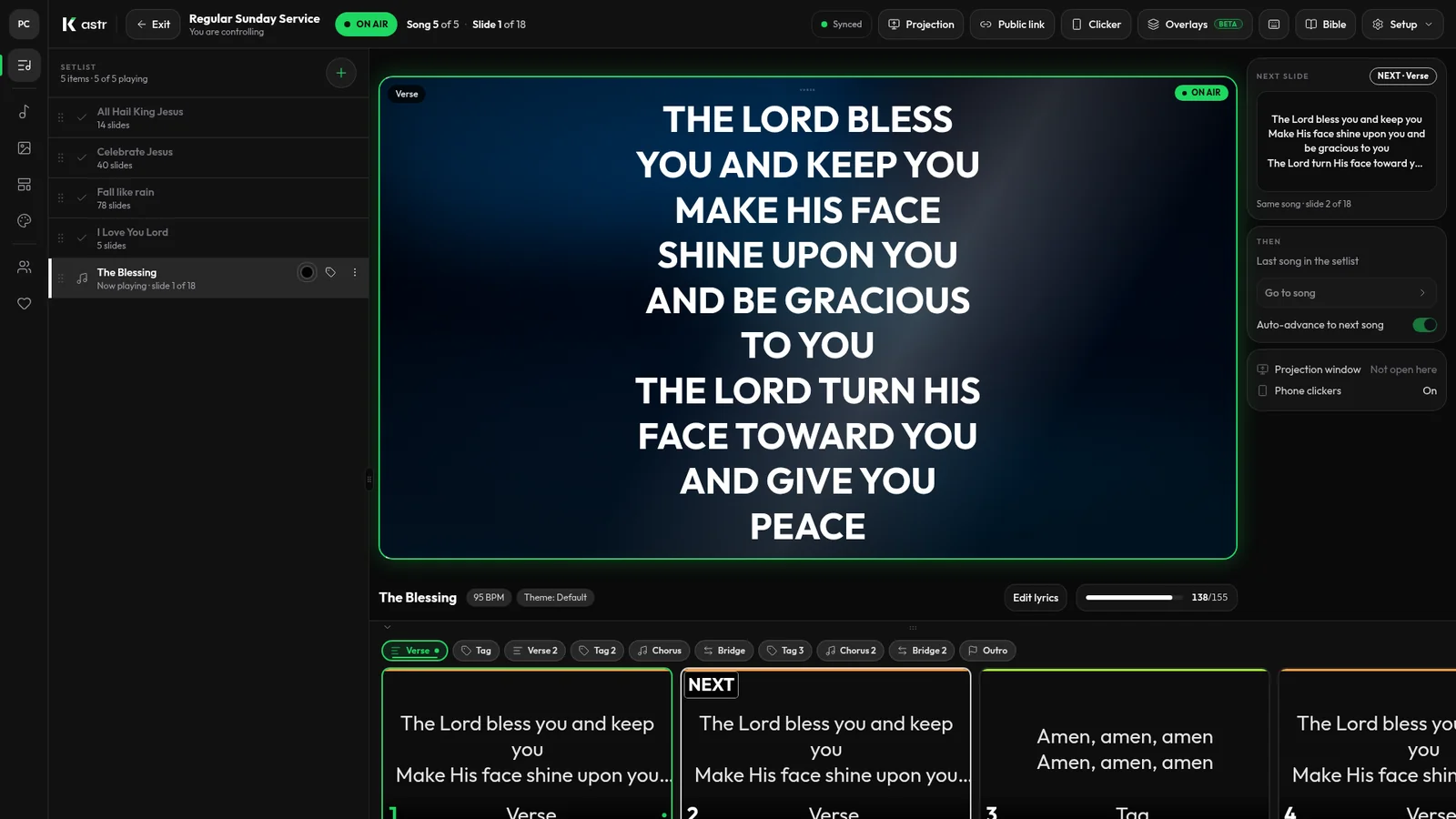
In a small church, one person often runs the screens, and sometimes the sound too. Here's how to set up lyrics projection so a single volunteer can handle it.
How to format song lyrics into slides that are easy to read
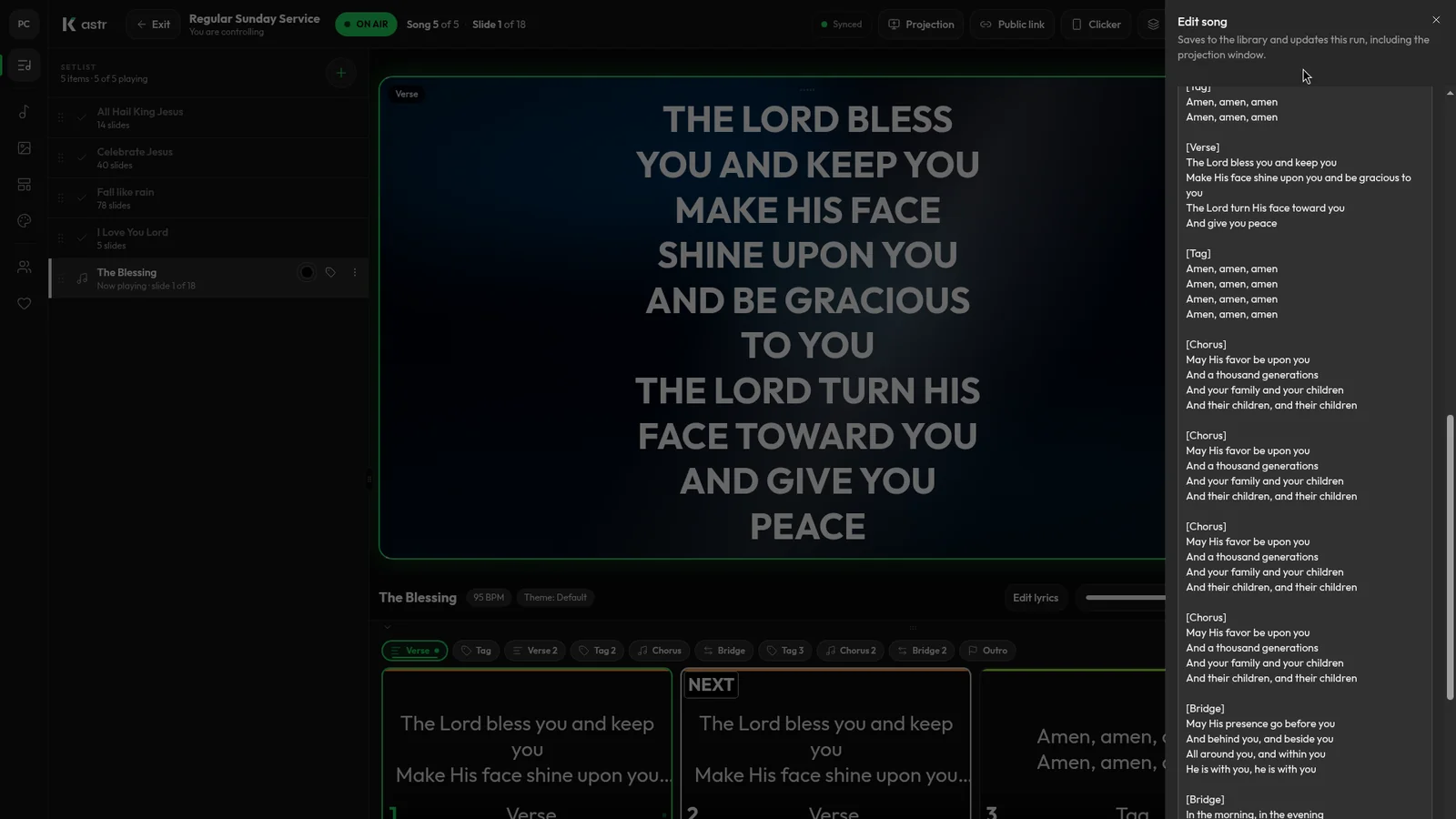
Readable lyric slides come down to how you format the text before it hits the screen. Here's how to prepare lyrics so Kastr builds clean slides every time.
Free lyrics software for church: what free should actually include
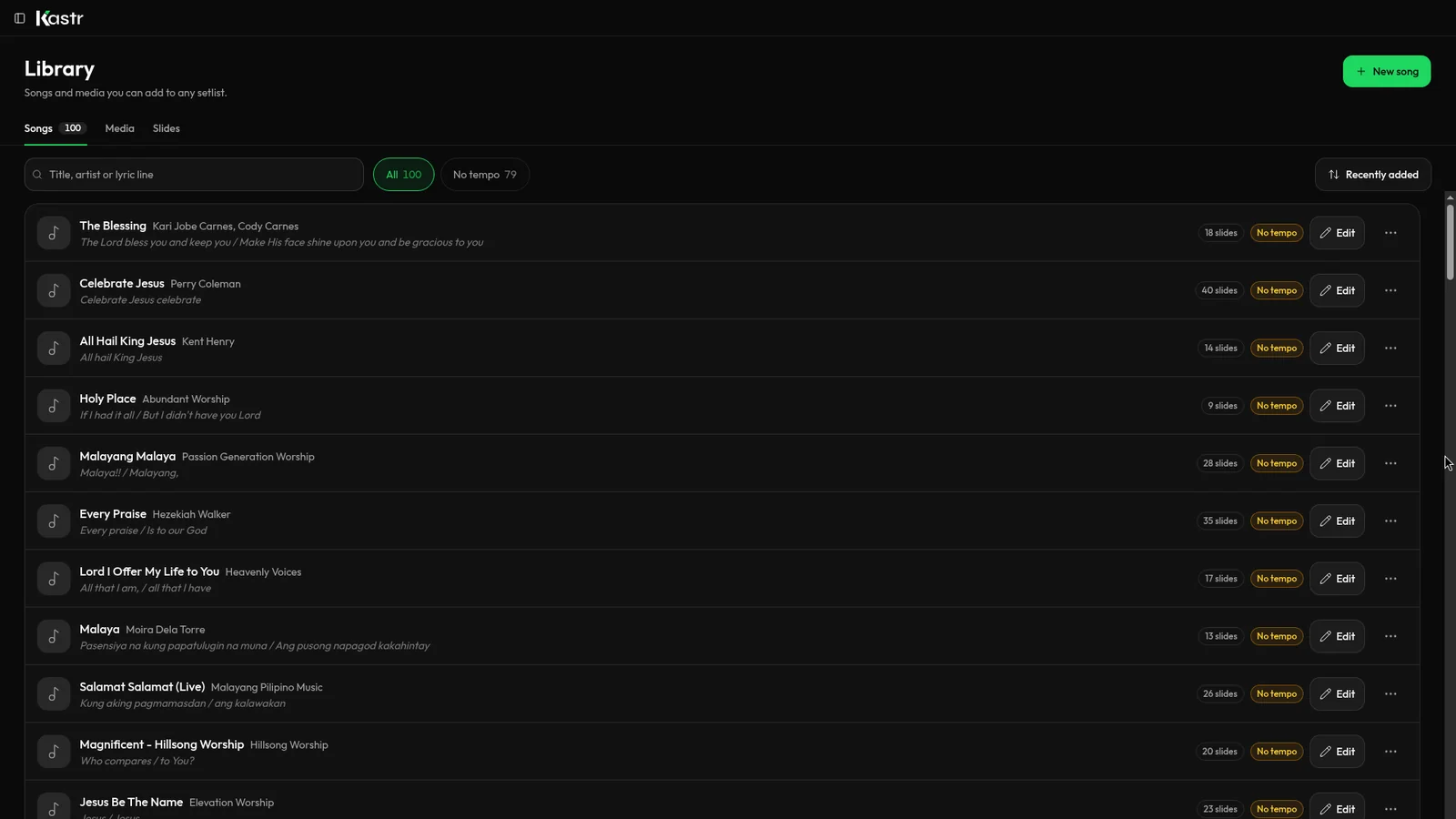
Plenty of church lyrics tools call themselves free. Here's how to tell a real free tool from a trial, and what Kastr gives you at no cost.