Projection window
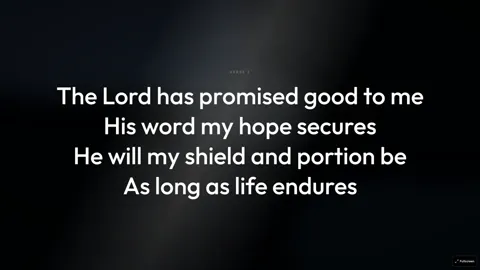
A separate window for the projector or LED wall, apart from your controls.
Kastr for Windows
Install it on the booth computer and run the service offline. You don't need an account. Sign in only if you want to sync your songs, themes and programs from web Kastr.
Windows installer version 1.0.5
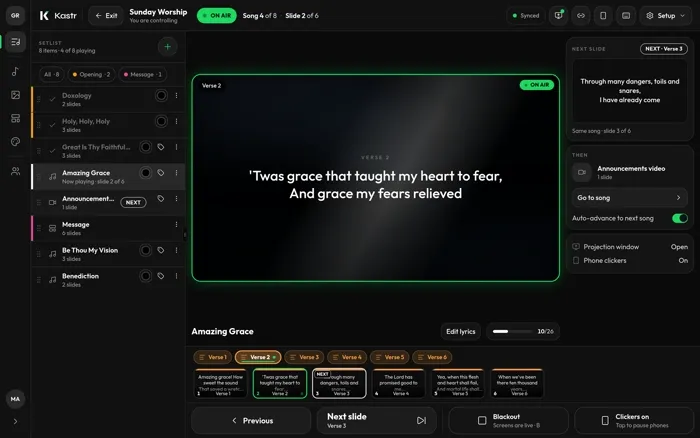
Projection window
What you get
A separate window for the projector or LED wall, apart from your controls.
Put scripture on screen from the same deck you run songs from.
Play audio under your slides during the service.
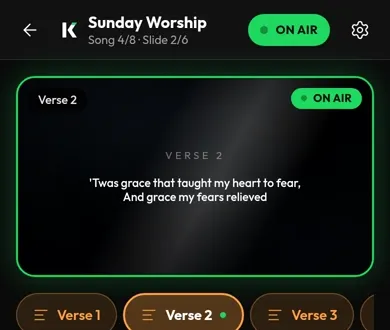
Let a teammate advance slides from their phone.
Sign-in is optional. Use it only when you want your songs, themes and programs from web Kastr on this computer.
Web or desktop
Choose web when the booth has a steady connection or the computer changes week to week.
Choose desktop when the connection is unreliable or Kastr stays on one Windows computer.
Questions
Kastr has no paid plans on the web or on Windows. If it helps your team, a donation keeps it running.