Church presentation
A free ProPresenter alternative for churches
Kastr puts lyrics, scripture and media on screen from the browser you already have. Every feature is free for your whole workspace, and donations keep it running.
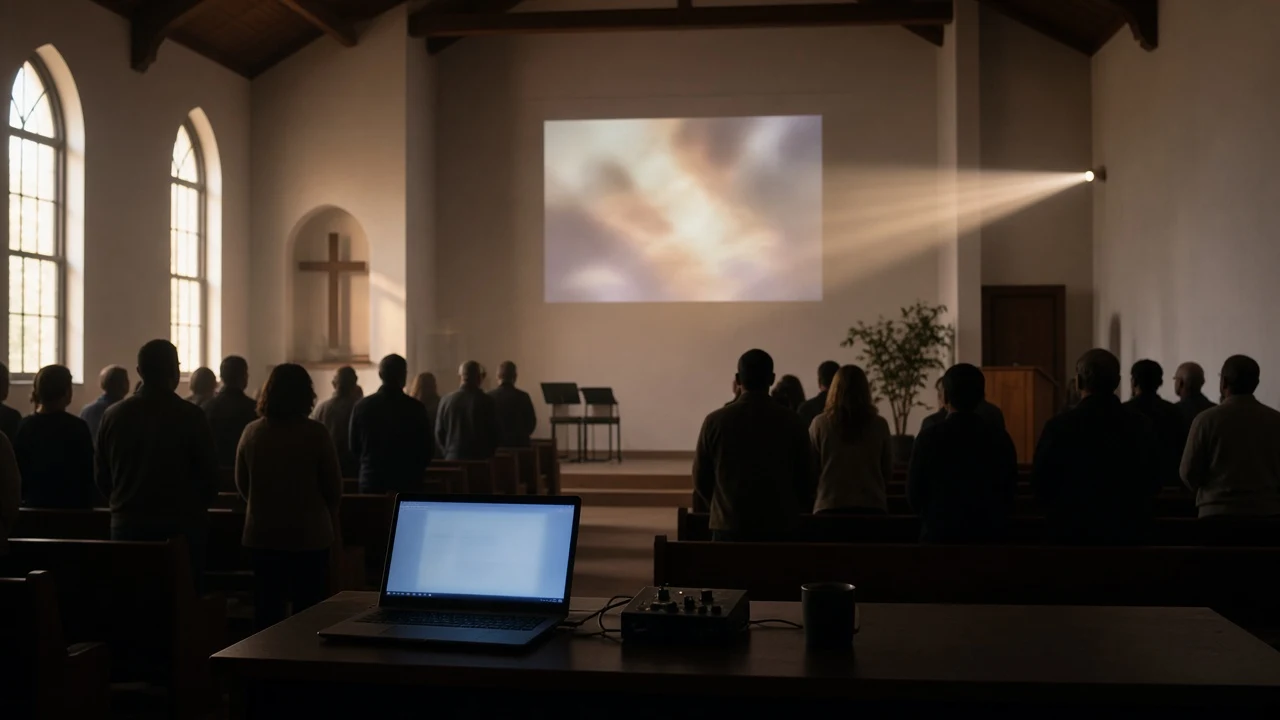
Why churches look for an alternative
ProPresenter is a capable tool, and many churches run it well. Some churches search for something else for simpler reasons. The subscription is an ongoing cost, monthly or yearly. The booth computer is old or shared. The volunteer on Sunday may be new and needs to learn in one rehearsal.
Kastr is built for those Sundays. It covers what most services need and keeps it free.
Sunday on screen
What you can do in Kastr
Turn pasted lyrics into slides.
Paste the lyrics you have the right to use. Every blank line starts a new slide, and lines like Verse 1, Chorus or Bridge become labels you can jump to during the song. Auto slice splits long stanzas to the number of lines you pick.
Build the program.
Line up songs, photos, videos and custom slides in running order, set a run date, and pick one look for the whole set. Duplicate last week's program and change only what's different.
Put scripture on screen.
Bible mode takes a reference like John 3:16 or a tap through book tiles. Choose English, Tagalog or Ilocano, and send verses live with your deck theme.
Run the room.
Open the projection window on the projector or LED wall and press F for fullscreen. Advance with the arrow keys, press B to blackout, and fix a typo on one slide without stopping.
Hand off the clicker.
A teammate scans a QR code to advance slides from their phone. You can allow guests without an account, and pause every clicker with one switch.
Share the live slide.
Open the public screen link on lobby TVs, phones or the stream computer. They follow along without signing in.
Set a look once.
Themes save background, font, size, weight and letter case, and work for every song.

Kastr and ProPresenter, side by side
| Kastr | ProPresenter | |
|---|---|---|
| Cost | Free, donations optional | Paid subscription, see renewedvision.com |
| Install | None, runs in the browser | Desktop app for macOS and Windows |
| Offline | Kastr for Windows, available now | Runs without internet after install and activation |
| Extra screens | Projection window, plus a public screen link for TVs, phones and stream computers | Up to 8 unique outputs, plus Stage Screens |
| Team sync | Shared workspace for your team | Cloud workspace that syncs across computers |
| Production tools | Not the focus | Macros, MIDI/DMX control, timecode follow |
ProPresenter details from renewedvision.com and support.renewedvision.com, checked Oct 22, 2026. ProPresenter is a trademark of Renewed Vision. Kastr is not affiliated with Renewed Vision.
ProPresenter may be the better choice if you run a large production with many outputs and lighting cues, or if your team already has years of content built in it. Kastr is for churches that want Sunday on screen without a subscription.
Free, kept going by donations
Kastr has no paid plans, on the web or on Windows. Every feature is open to your whole team. If it helps your church, a donation through GCash or Buy Me a Coffee keeps it online.
No internet in the booth?
Kastr for Windows is available now. It runs fully offline with no account, plays background audio under your slides, and syncs your songs, themes and programs if you sign in. Web Kastr still works in any browser when you have a connection.
Questions
FAQ
Is Kastr really free?
Do I need to install anything?
Does it work without internet?
Can I move my songs from ProPresenter?
Which Bible translations are included?
Can more than one person help run the service?
Try Kastr this Sunday
Build next week's program, paste a song, and open the projection window. It's free, and it takes a few minutes to see whether it fits your church.