Features

Everything you need to run the screens.

Lyrics, media, custom slides, and every display in the room, driven from one browser tab.

Verse 1

Amazing grace, how sweet the soundThat saved a wretch like me

Verse 1, 1 of 4

Paste the lyrics. The slides make themselves.

Paste a song and Kastr builds the slides: splits on blank lines and keeps Verse and Chorus labels. Edit the lyrics below or change the lines per slide, or open the free lyric generator.

Lines per slide

4 slides

  1. Verse 1

    Amazing grace, how sweet the sound That saved a wretch like me

  2. Verse 1

    I once was lost, but now am found Was blind, but now I see

  3. Verse 2

    Through many dangers, toils and snares I have already come

  4. Verse 2

    'Tis grace hath brought me safe thus far And grace will lead me home

Custom slides

Design welcome screens, announcements, and sermon points. Drag in text and photos, snap them into line, and drop the deck into any setlist.

ANNOUNCEMENT

Youth night this Friday

7 PM · Main hall Pizza, games, and worship.

Welcome

We're glad you're here

POINT 1

Grace meets us where we are.

Ephesians 2:8
Themes

Background, font, size, weight, and letter case, saved once and reused on every song.

  • How sweet the sound

    Void, Outfit

  • How sweet the sound

    Signal, Syne bold

  • How sweet the sound

    Mist, uppercase

  • How sweet the sound

    Custom color

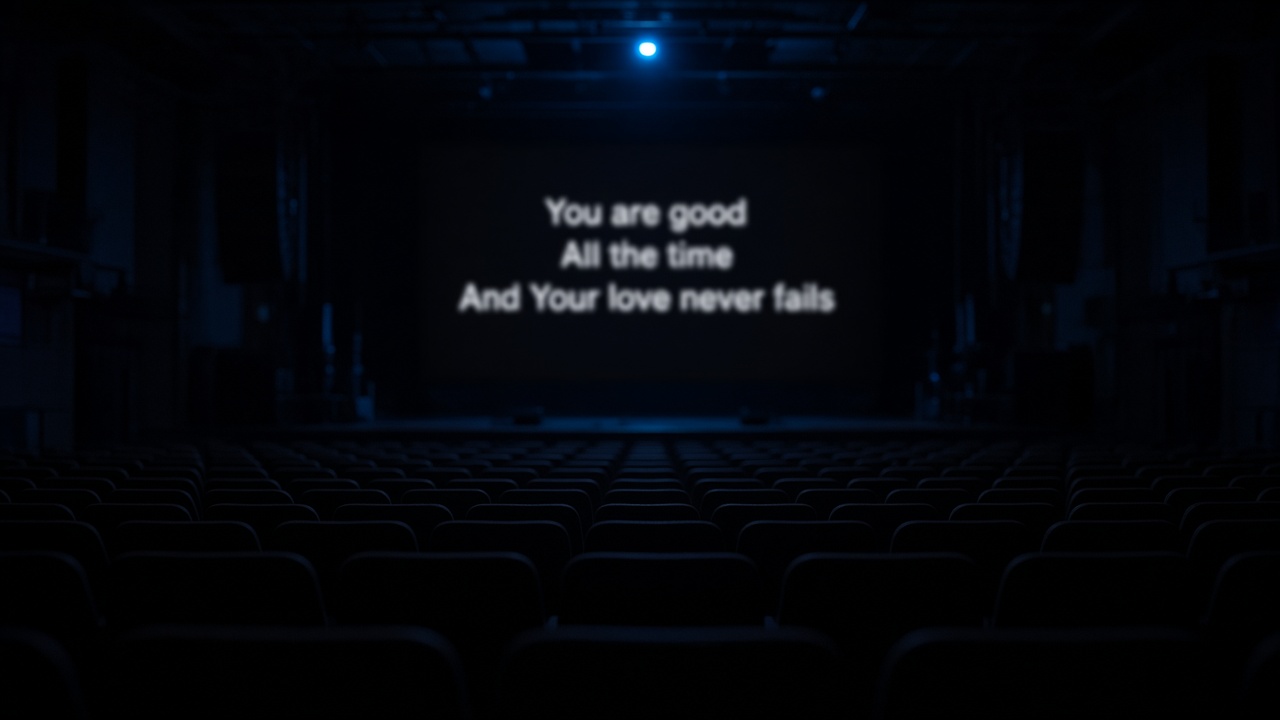
Empty auditorium with lyrics projected on the stage screen

Images and video

Upload photos, MP4, or WebM and play them from the same setlist as the songs. Video keeps its sound.

A library the whole team shares

Find any song by title, artist, or a line of the lyrics. Set a tempo and Karaoke lights each word on the beat.

  • Amazing Grace

    John Newton · 6 slides · Tempo 72

  • Be Thou My Vision

    Traditional · 5 slides · Tempo 84

  • Holy, Holy, Holy

    Reginald Heber · 4 slides · No tempo

  • It Is Well

    Horatio Spafford · 7 slides · Tempo 66

  • Verse 1
  • Pre-chorus
  • Chorus
  • Bridge
  • Tag
  • Outro
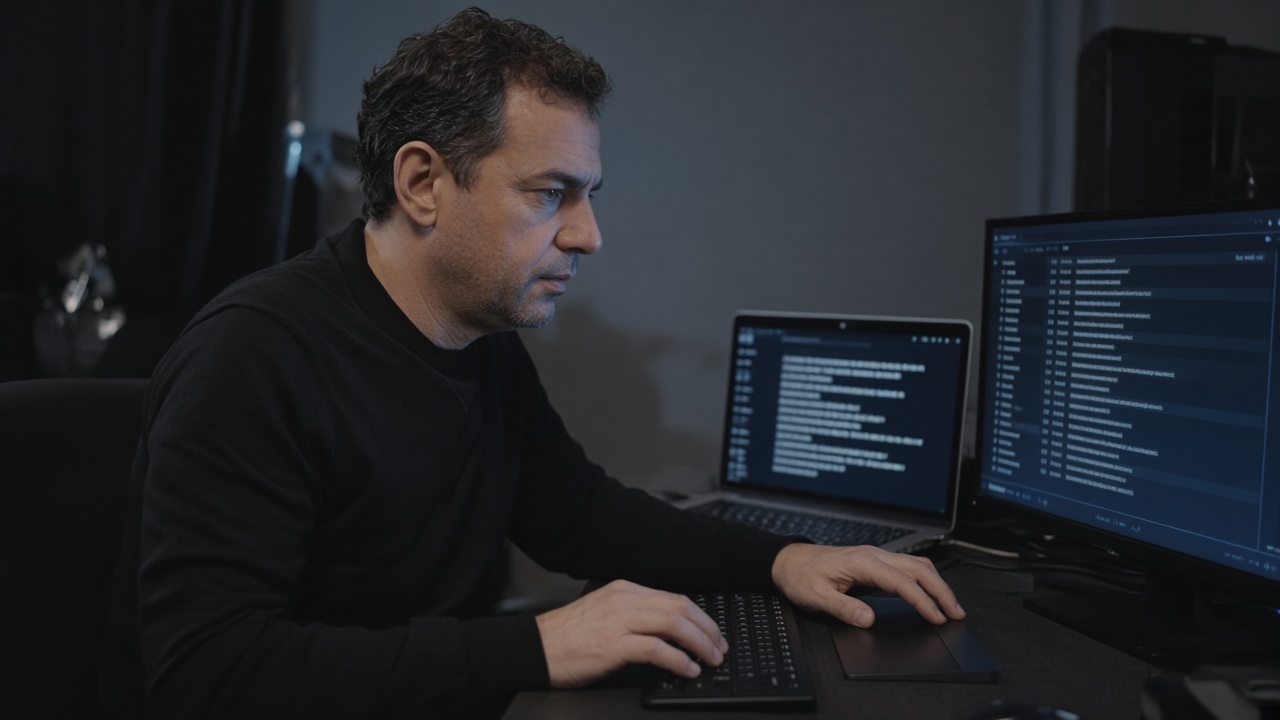
Hands on a laptop keyboard running lyrics in Kastr

Plan the set before anyone walks in.

A program holds the songs, media, and slides for one service or show, in the order you run them.

  • Run datesToday, Tomorrow, or Coming in 3 days, right on the program list.
  • Drag to orderDrop songs, media, and slides into place. Arrow keys work too.
  • Colored tagsMark entries like Opener or Offering so the team reads the plan fast.
  • Pacing estimateSee roughly how long the set runs, from each song’s tempo.
  • One look for the setOverride theme, size, and font for every song without editing them.
  • DuplicateCopy last week’s program and change only what’s different.

Run the show without leaving the deck.

Operator at a desk running a live deck on two screens

Move through the set

  • Previous and next from the keyboard
  • Jump to any section, like Verse 2 or the bridge
  • Blackout the screens in one press
  • Reopen the deck and resume where you left off

Change it mid-show

  • Add a song, video, or slide without stopping
  • Fix a typo on a single slide
  • Re-order the set while it plays
  • Switch the theme for the whole program

Hand off control

  • Advance from a phone by scanning a QR code
  • Let a guest click without an account, if you allow it
  • Pause every clicker with one switch
  • See who is controlling the deck right now

Every screen follows along.

I once was lost, but now am found Was blind, but now I see

A clean projector window

Open it on the projector or LED wall and press F for fullscreen. Lyrics, media, and slides only, no controls.

One link for every other screen

Share the public screen link and phones, lobby TVs, and stream computers show the live slide too.

  • Phones
  • Lobby TVs
  • Stream computers

Video in sync

Play, pause, seek, and mute from the deck. The projector keeps the same playhead and volume.

  • Play and pause
  • Seek
  • Volume
  • Mute

Bring the whole team.

  • A workspace for each team or venue, and switch between them
  • Invite people with a link or a short code
  • Owners, admins, and members
  • One shared library of songs, media, slides, and themes
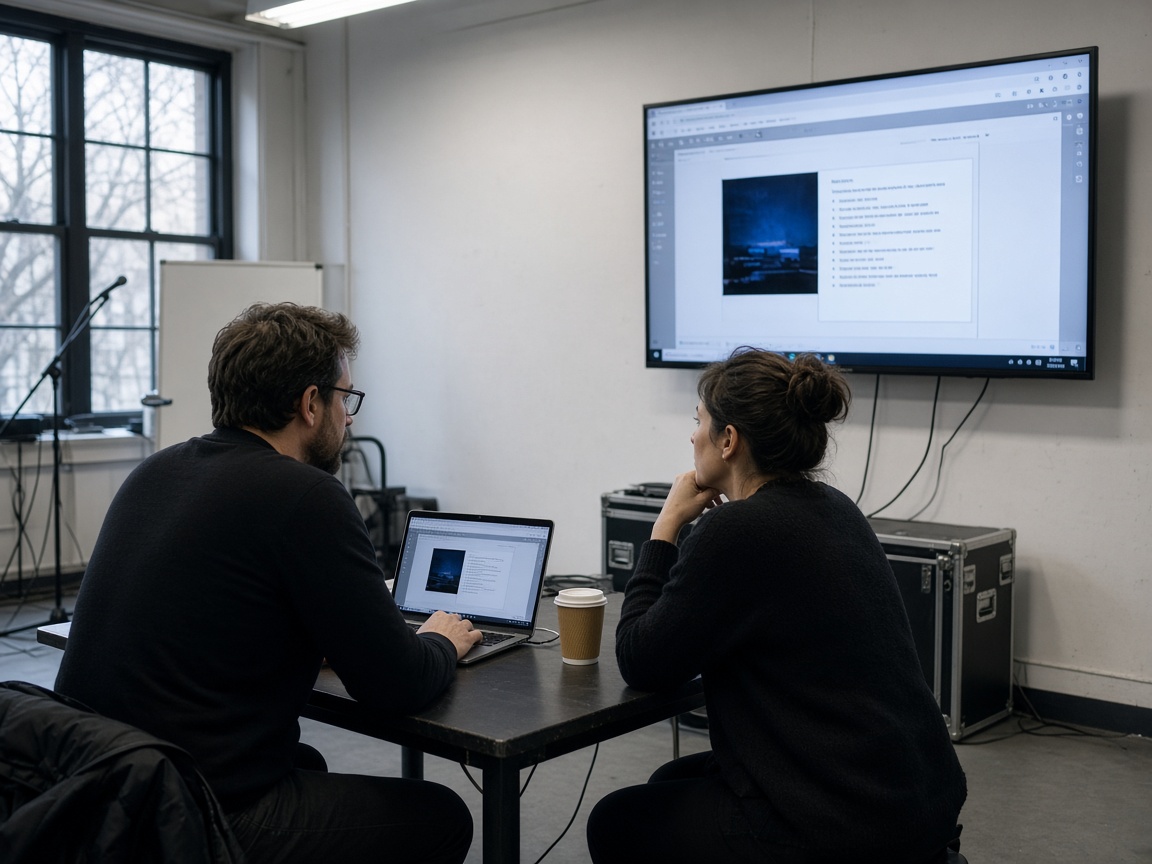
Two people reviewing a Kastr setlist on a laptop and a wall screen

Nothing to install.

Kastr runs in the browser you already have, and every feature on this page is free while pricing is on its way.