Live Worship
Run Live Worship Slides Without Missing a Cue
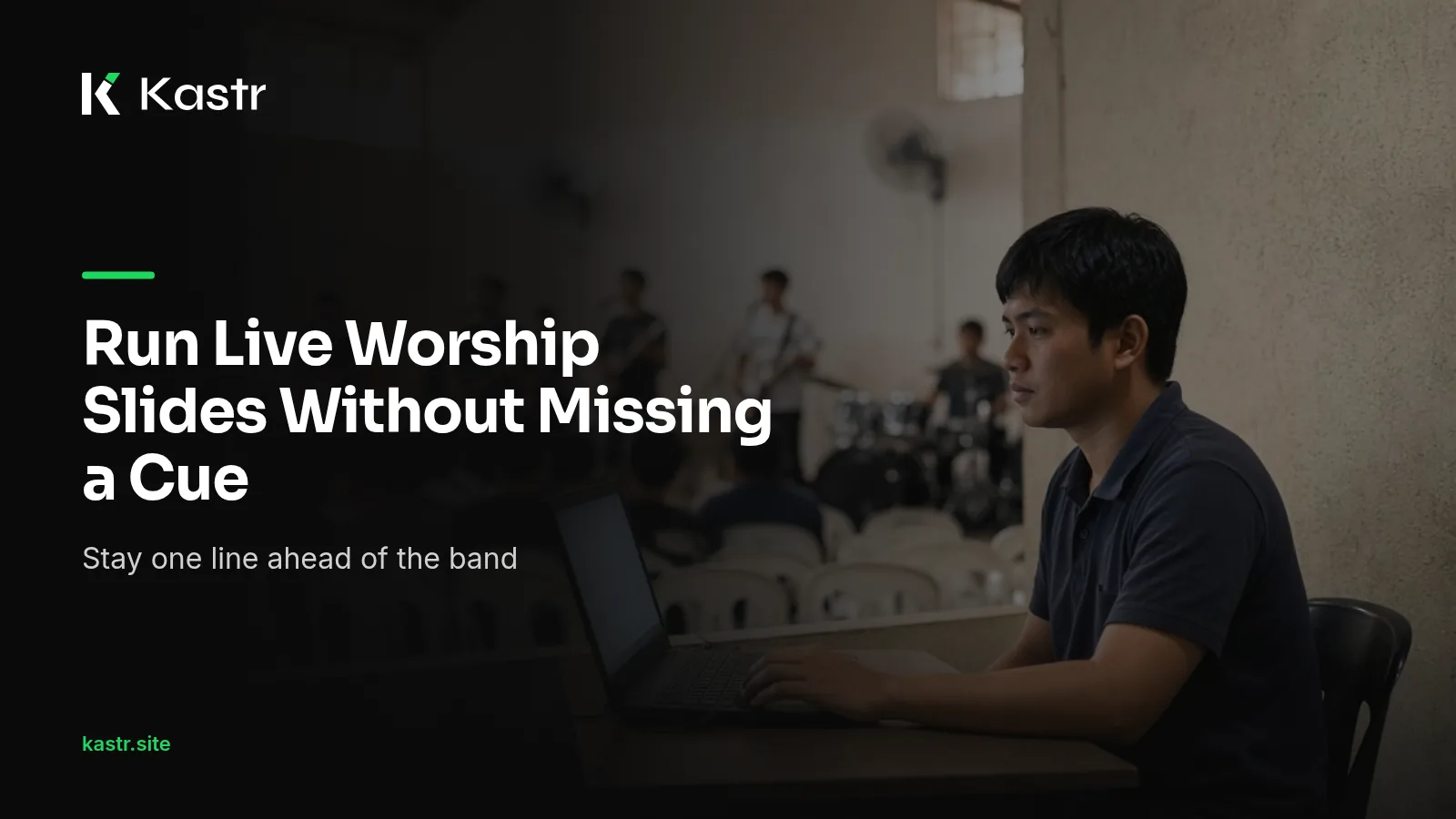
In many Filipino churches, the person at the screens is a volunteer kuya or ate who also helps set up the chairs and fix the sound. The hardest part of their job isn't the software. It's listening. The worship leader decides in the moment to sing the chorus again, drop the second verse or stay on the bridge for another four rounds, and the lyrics on the wall need to arrive a beat before the congregation sings them.
This post is about that skill: following a live worship leader from the screens, and setting up Kastr so the next slide is always one key away.
Learn the song before Sunday
An operator who knows the song will always beat one who is reading it for the first time. Listen to the recording once or twice during the week with the lyrics open, on the jeep or during a break at work. If the set mixes Tagalog worship songs with English ones, learn both, because a Tagalog line often runs longer than its English version. Notice where the leader usually breathes, where a line runs long and where the arrangement turns.
When you add the song to Kastr, keep the section labels. A line like Verse 1, Chorus or Bridge on its own becomes a label you can jump to during the show. If a verse is long, use Auto slice to pick how many lines go on each slide. Shorter slides are easier to time, because each change lands closer to the line being sung.
Change the slide early
A common rule among church media teams is to advance on the last word or two of the current slide, not after it. The congregation needs a moment to read the next line before they sing it. If the slide changes as they open their mouths, they're already behind.
This takes practice. In rehearsal, sit at the deck and run the full set while the band plays. If you're consistently late, move your change a little earlier. If people are reading ahead and losing their place, hold a little longer.
In the Kastr operator deck, the left and right arrow keys move through slides. You can also click any slide in the setlist on the left. Most operators keep one hand on the arrows and their eyes on the stage.
Follow the leader when the plan changes
Most worship leaders signal what's coming next. Some say the first words of the section into the microphone. Some hold up fingers for a verse number. Some use a look you only learn after a few Sundays together. Ask your leader what they use, and agree on it before the service. A quick talk during the pre-service prayer is usually enough.
When the leader goes back to the chorus, don't step backwards through every slide. Jump straight to it. Kastr lets you jump to any section of a song, like Verse 2 or the bridge, so a repeated chorus takes one move instead of five.
When the leader skips a verse, the same move takes you past it. When they hold the bridge for a few extra rounds, stay where you are. The slide doesn't need to move just because time has passed.
Keep the screen clear when it should be
Not every moment of worship needs words on the wall. When the band plays an instrumental section, when the pastor leads a long prayer in Tagalog or Ilocano, or when the room goes quiet, a blank screen often serves people better than a lyric they've already sung.
Press B, or click Blackout, to clear the screens. Press Restore screens, or B again, to bring the lyrics back. One detail is worth knowing: while blackout is on, Next and Previous keep moving through the setlist underneath. You can line up the next slide in the dark, then restore the screens when the leader starts singing.
Watch the room, not the screen
The projector window shows only lyrics, media and slides, with no controls. Open it with the Projection button, drag it to the projector or LED wall and press F for fullscreen. Once it's up, you rarely need to look at it.
Your attention belongs on the stage and the people in front of it. In a small chapel with an old projector, that also means checking now and then that the projector hasn't dimmed or overheated. If you can see the worship leader's face and the first few rows, you'll catch most cues before you hear them.
Hand the timing to someone closer to the stage
Sometimes the person who knows the song best is standing next to the band, not at the back of the room. Kastr's phone clicker lets a teammate scan a QR code and get next and previous buttons on their phone. The operator can pause every phone clicker with one switch, and the header shows who is controlling the deck right now.
In the Windows app the phone clicker is free. On web Kastr it's part of Pro, which is ₱650 a month paid with QR Ph.
Practice with the band
The best way to get better at cues is to run screens during rehearsal, not only during the service. Ask the worship team if you can sit in, even if practice runs late on a Saturday night. Run the whole set, mistakes included. Talk with the leader afterwards about the moments where the words were late.
A few weeks of this and the screens stop being something the congregation notices. That's the goal. When the timing is right, people look up, read the line and sing it without thinking about who put it there.
Start with one service
You don't need a new laptop or projector to practise any of this. Youth fellowship is a good place to start, since the set is shorter and the room is forgiving. Build next Sunday's program, label every song's sections, and run it once with the band before the service. Pay attention to the one or two moments where you lose the leader, and work on those first.
Kastr for Windows is free to download, including the phone clicker, overlays, Bible verses and background audio. You can also start on the web with a Free plan for 3 programs and 25 songs.
Download Kastr for Windows and run your next worship set from one deck.
Need offline projection on Sunday?
Kastr for Windows runs fully offline on the booth computer. Download the installer once when you have a connection, then run your program without signing in.
More from the blog
Preparing Your Media Team for a Live Worship Night
A worship night or youth fellowship runs longer and looser than a Sunday service. Here's how a church media team can prepare the screens, the program and the people before the doors open.
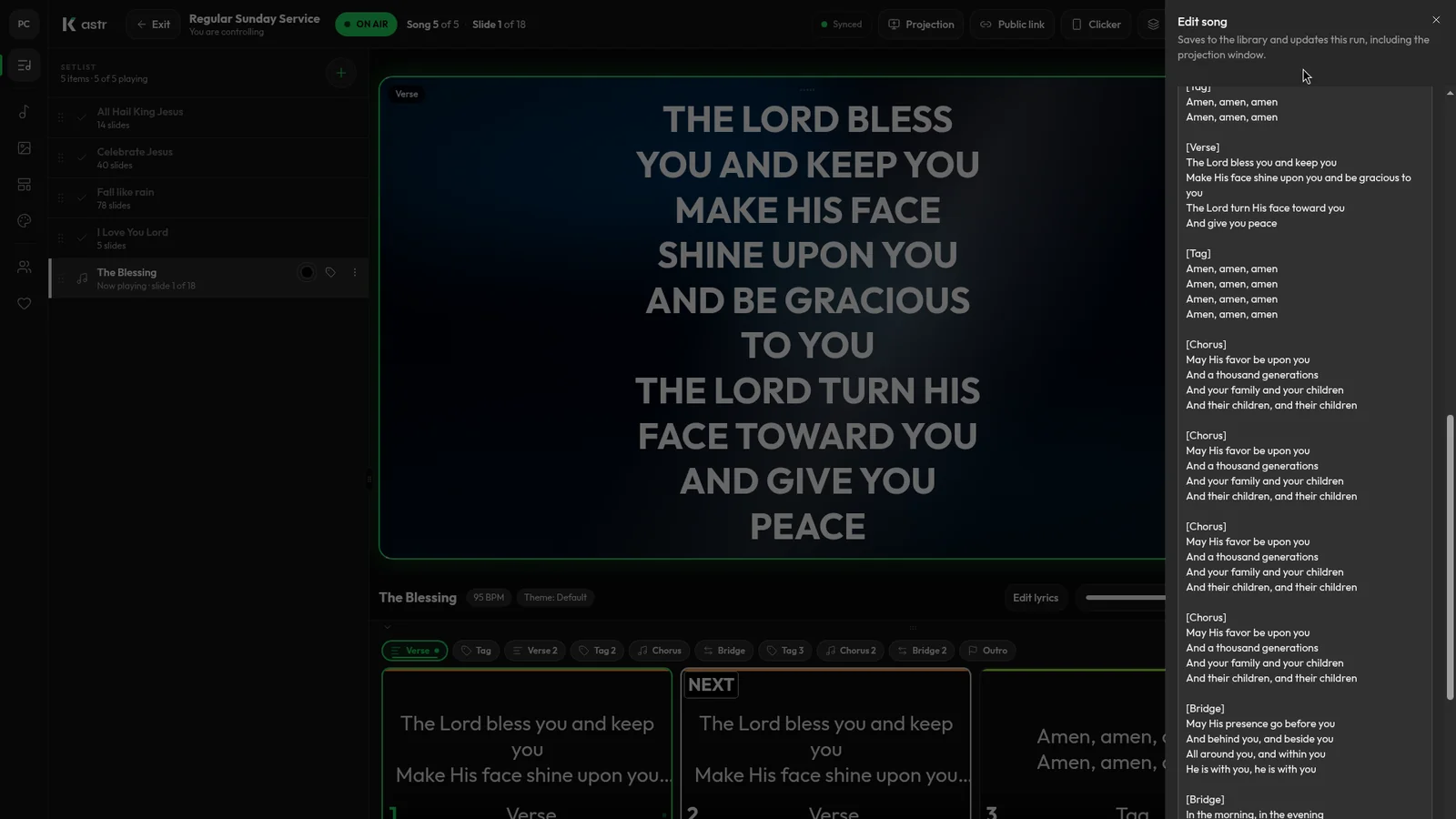
How to format song lyrics into slides that are easy to read
Readable lyric slides come down to how you format the text before it hits the screen. Here's how to prepare lyrics so Kastr builds clean slides every time.
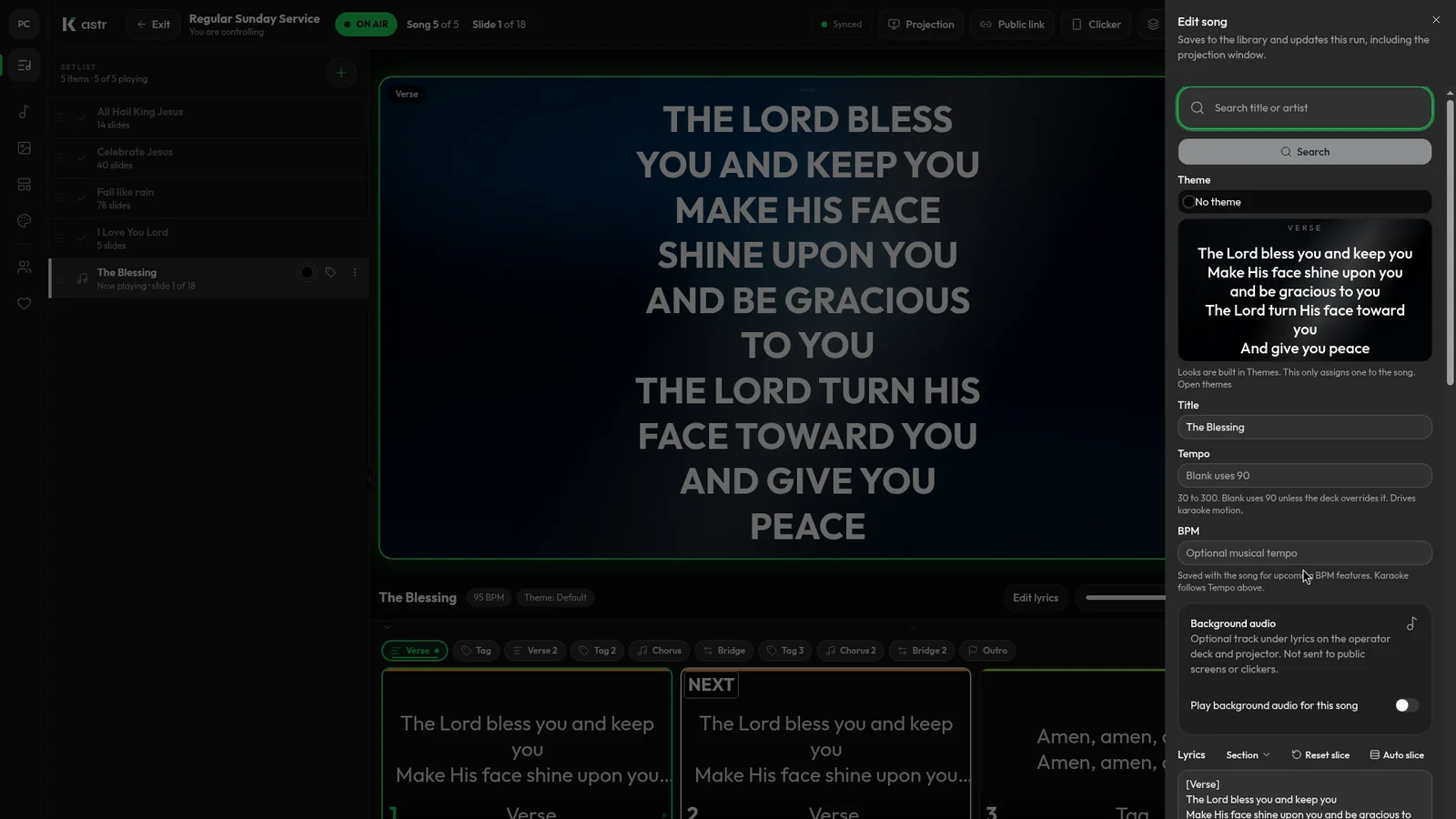
Handling song changes and typos during a live worship service
Worship rarely follows the plan exactly. Here's how to add a song, fix a typo or reorder the set mid-service without the screens going blank.