Live Worship
Preparing Your Media Team for a Live Worship Night
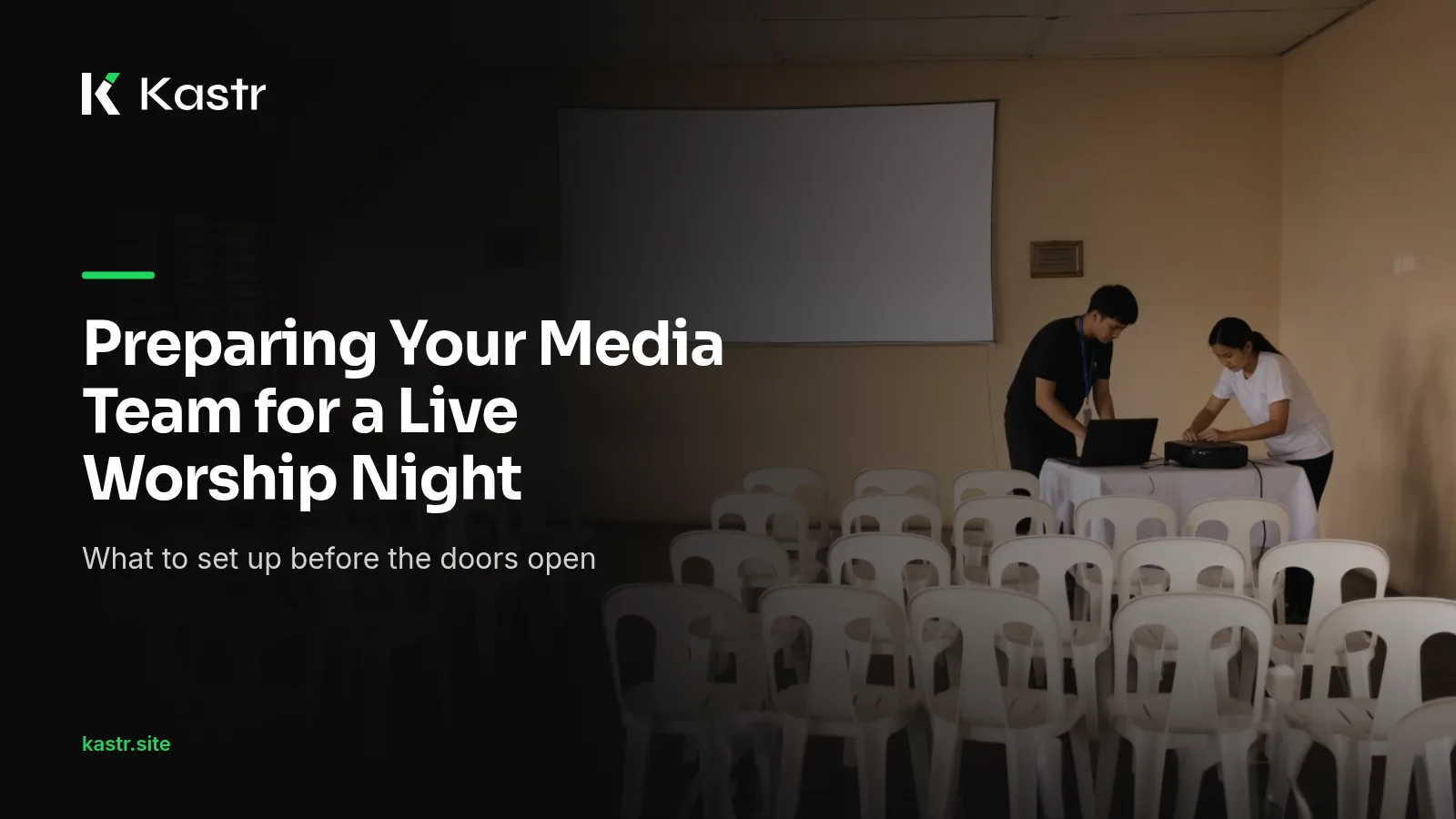
A worship night, a youth fellowship overnight or an anniversary service is a different job from a Sunday morning. The set is longer. The band may move from one song into the next without a break. Songs come up that weren't on the plan, and the evening runs as long as it needs to.
For a church media team, that means more to prepare and more that can change. This post walks through getting ready for a live worship night with Kastr, from the program to the people at the desk.
Build the program early
A program in Kastr is the setlist for one service or event: songs, media and slides in the order you run them. For a worship night, create it as soon as the worship leader shares the set, even if the list isn't final.
Give the program a title and a run date. The program list shows run dates as Today, Tomorrow or Coming in 3 days, which helps a team that plans several events at once see what's next.
Add songs from the library on the right, or drag them into the setlist. If a song isn't in the library yet, click New song from the program, find or paste the lyrics and press Save and add. The song goes into the shared library and the setlist in one step.
Check every song before the night
A longer set means more chances for a typo or a missing section. Open each song and step through its slides. Look for lines that run too long, labels that are missing and choruses that appear in the wrong place.
If a slide holds too much text, Auto slice splits the song into the number of lines per slide you choose. Reset slice undoes it if you prefer the original breaks.
Then check the look. A worship night often has its own feel, and you can set a program theme and lyric size that override every song's look for this set without changing the songs themselves.
Get a rough idea of the length
Worship nights tend to run long, and the people planning the evening usually want a sense of how long the set will take. If your songs have a tempo set, Kastr's program shows a pacing estimate of roughly how long the set runs.
Treat it as a guide, not a schedule. A leader who repeats a chorus four times or adds a spontaneous song will change the real length. It still helps when you're deciding whether the set fits the evening.
Decide who does what
On a Sunday, one volunteer may handle the screens alone. A worship night is a good time to share the work. Before the event, agree on who runs the operator deck, so the same kuya isn't stuck at the desk for four hours. Decide who watches the stage for cues and who handles any media or announcement slides.
Everyone on the team should be in the same workspace. Open People in the sidebar, copy the invite link or code and send it to each person. Once they join, they see the same songs, media, slides, themes and programs. Owners and admins can change roles if someone needs more access.
If a teammate will advance slides from near the stage, set up the phone clicker. Press Clicker in the top bar and have them scan the QR code. For a guest without an account, turn on Allow without sign-in in the same dialog. The phone clicker is free in the Windows app and part of Pro on web Kastr.
Rehearse with the band
The single most useful hour before a worship night is the band rehearsal. Sit at the deck, open the projector window and run the set as the band plays it. You'll find the songs where the arrangement differs from the recording, and the moments where the leader likes to linger.
Note those moments on the program. Filipino worship leaders often move between a Tagalog song and an English one in the same flow, so mark where the language changes too. Kastr lets you add colored tags to entries, like Opener or Offering. A tag can just as easily mark a song where the leader usually extends the bridge, so whoever is at the deck reads it at a glance.
Plan for songs that aren't on the list
On a worship night, someone will start a song that wasn't planned. The operator deck handles that without stopping. Click the + beside the setlist, choose New song, paste or find the lyrics and press Save and add. The song joins the end of the setlist and the screens stay on the current slide while you work. The deck keys are paused while that window is open, so you won't advance by accident.
It helps to keep a short list of songs your leader often adds, including the Tagalog songs the congregation knows by heart, and to make sure they're already in the library before the night.
Prepare the room's other screens
If people will gather in a lobby, an overflow room or online, they can follow along too. Press Public link in the top bar and open the link on lobby TVs, phones or a stream computer. They show the live slide without anyone signing in.
Keep the internet out of the equation
Worship nights are often held in barangay halls, school gyms or rented venues with Wi-Fi nobody has tested, and in some provinces a brownout in the middle of the program is a real possibility. Bring a charged laptop, and if you can, a UPS or extension for the projector. Kastr for Windows runs offline once it's installed, with no account needed. If you sign in, your songs, themes and programs sync from web Kastr. Cloud sync is part of Pro, at ₱650 a month paid with QR Ph.
Get the team ready
A calm worship night on the screens comes from a program that's ready early, a team that knows its roles and one good rehearsal. Everything else is listening to the leader.
Kastr for Windows is free, including the phone clicker, overlays, Bible verses and background audio. Download Kastr and build your worship night program this week.
Need offline projection on Sunday?
Kastr for Windows runs fully offline on the booth computer. Download the installer once when you have a connection, then run your program without signing in.
More from the blog
How to Build a Church Setlist Your Media Team Can Follow
A setlist on a chat message tells the band what to play. The media team needs more. Here's how to build a church setlist in Kastr that everyone at the desk can read.
Run Live Worship Slides Without Missing a Cue
Kuya or ate at the screens? The worship leader repeats the chorus, skips a verse or holds the bridge. Here's how the person at the screens can follow along and keep the lyrics on time.
How Long Should a Worship Set Be? Planning by Tempo
Most worship leaders plan a set by feel, then find out on Sunday that it ran long. Here's how to think about set length and use song tempo to estimate it.