Live Worship Sets
How Long Should a Worship Set Be? Planning by Tempo
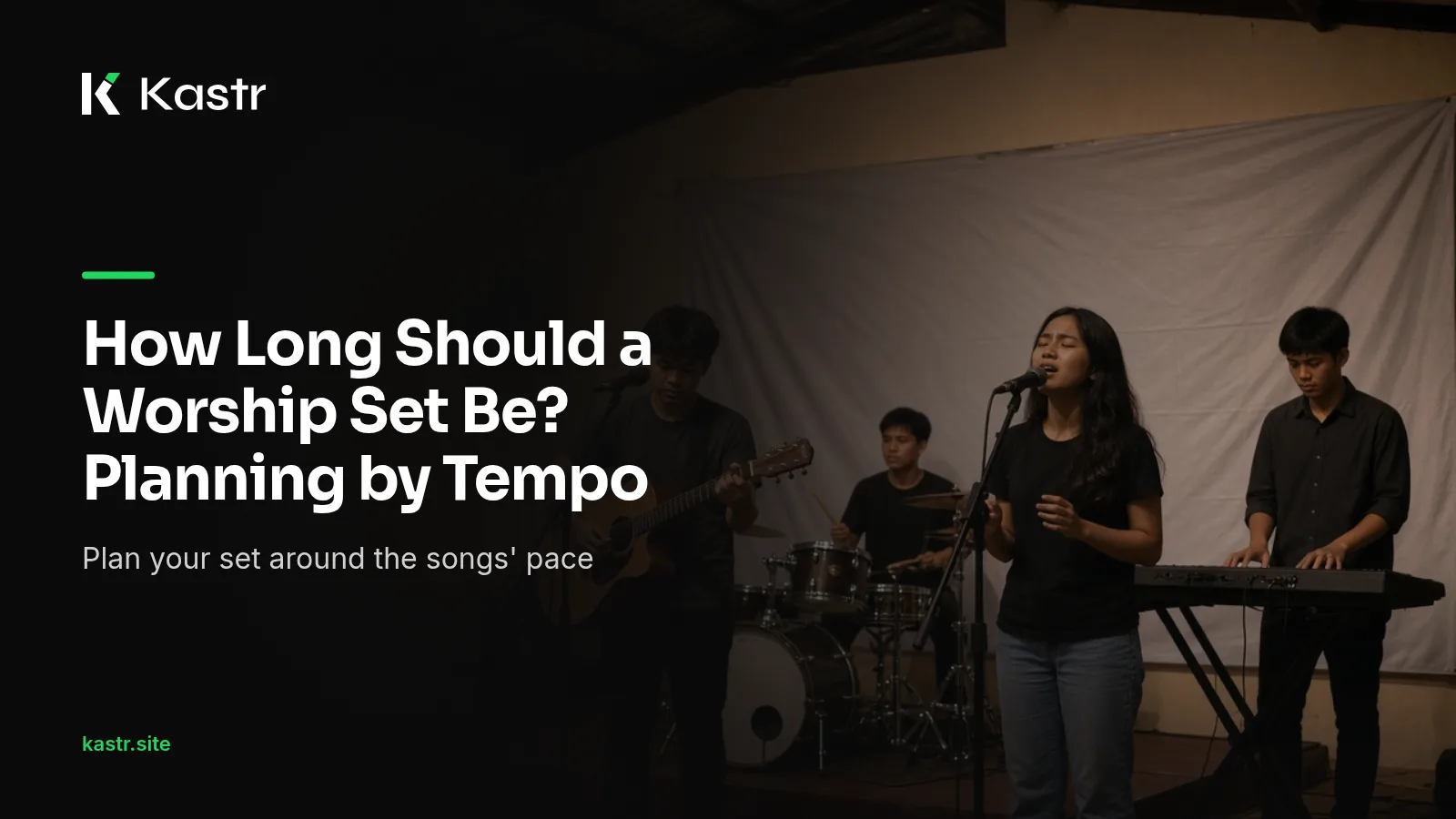
Ask ten churches in the Philippines how long their worship set runs and you'll get ten answers. Some sing for fifteen minutes before the sermon. Some sing for forty. Neither is wrong, but a set that runs longer than the service allows puts pressure on everyone who comes after it.
This post looks at how to decide on a length for your worship set, and how to estimate it before Sunday with Kastr.
Start from the service, not the songs
The right length for a worship set depends on what else happens in the service. Write down the full order of your service, including the parts that often run long here, like the birthday and anniversary greetings or the welcome for first-time visitors. Then put a rough time against each part.
What's left for worship is your budget. It's easier to choose songs to fit a budget than to fit a service around a set that grew on its own.
Talk this through with your pastor once, maybe after the Wednesday prayer meeting, and you won't have to argue about it every week. Most churches settle on a range rather than a fixed number, with room to stretch on special Sundays.
Count songs, then count minutes
Song count is the usual way to plan a set, but it hides a lot. A slow Tagalog hymn with five verses can take longer than two upbeat English songs together. A song with a long instrumental intro takes more time than its lyric count suggests.
Minutes are a better measure. If you know roughly how long each song takes in your church's arrangement, add them up and compare the total with your budget.
Why tempo matters
A song's tempo has a big effect on how long it runs. The same lyrics at a slower tempo take longer to sing. When you set a tempo on a song in Kastr, it's used for two things. Karaoke lights each word on the beat, and the program uses each song's tempo to give a pacing estimate of roughly how long the set runs.
To set a tempo, open the song and look above the preview on the Lyrics & look step. Set the Tempo, and optionally a BPM. Do it once per song and it applies every time that song goes into a program.
Read the estimate as a guide
The pacing estimate is rough by design. It can't know that your leader likes to sing the bridge three times, or that the band will play an extended intro on the opener. Use it to spot a set that's clearly too long or too short, then adjust with what you know about your own team.
After a few Sundays you'll learn how far off the estimate tends to be for your church. If your sets usually run a little longer than it shows, plan for that.
Leave room for the unplanned
Worship rarely follows the plan exactly. A leader may repeat a chorus while the room is singing, or add a short song as a response at the end. If you plan a set that fills the whole budget, any of those moments pushes the service late.
Leaving a few minutes spare is easier than cutting a song halfway through, especially when the next service or the Sunday school class needs the same room. If the set ends early, the leader can always extend the last song.
Adjust the set in the program
Once you have an estimate, change the set until it fits. In a Kastr program you can drag rows by the grip to reorder them, or use each row's up and down buttons. Remove a song from the row menu, or add one from the library on the right.
If you're unsure about a song, keep it in the program and mark it with a colored tag so the team knows it might be cut. Tags appear in a legend above the list, and you can click a tag to hide or show every row with it.
Keep a record of what worked
When a set runs well, keep it. Kastr lets you duplicate a program from the program list, so last week's set becomes the starting point for next week. Over time you build a set of programs that you know fit your service, and planning gets faster.
A sample way to plan
Here's one approach a worship leader can try. Agree on a worship budget with the pastor. Pick songs that fit the theme of the service. Set a tempo on each song in Kastr. Check the pacing estimate on the program. Trim or add one song until the estimate sits a few minutes under the budget. Run the set in rehearsal and note the real time.
Repeat that for a month and you'll know your church's numbers well.
Plan your next set
Kastr for Windows is free, including the phone clicker, overlays, Bible verses and background audio. On web Kastr, the Free plan covers 3 programs and 25 songs with unlimited themes and members, and Pro is ₱650 a month paid with QR Ph.
Download Kastr and plan your next worship set by the minute.
Need offline projection on Sunday?
Kastr for Windows runs fully offline on the booth computer. Download the installer once when you have a connection, then run your program without signing in.
More from the blog
How to Build a Church Setlist Your Media Team Can Follow
A setlist on a chat message tells the band what to play. The media team needs more. Here's how to build a church setlist in Kastr that everyone at the desk can read.
Keep One Look Across Your Worship Set on Screen
When every song in the set uses a different font and background, the screens start to compete with the worship. Here's how to give a whole set one consistent look.
Preparing Your Media Team for a Live Worship Night
A worship night or youth fellowship runs longer and looser than a Sunday service. Here's how a church media team can prepare the screens, the program and the people before the doors open.