Free Live Lyrics Projection
Use your phone as a slide clicker for church lyrics
In a lot of churches, the computer that runs the projector sits somewhere awkward. It's at the back of the room, or behind a pillar, or in a booth where you can't quite see the worship leader. The person at the computer is guessing when the next line is coming.
Meanwhile, the people who know exactly when the band is going back to the chorus are on the stage or in the front row. A phone clicker lets one of them advance the slides.
How the Kastr phone clicker works
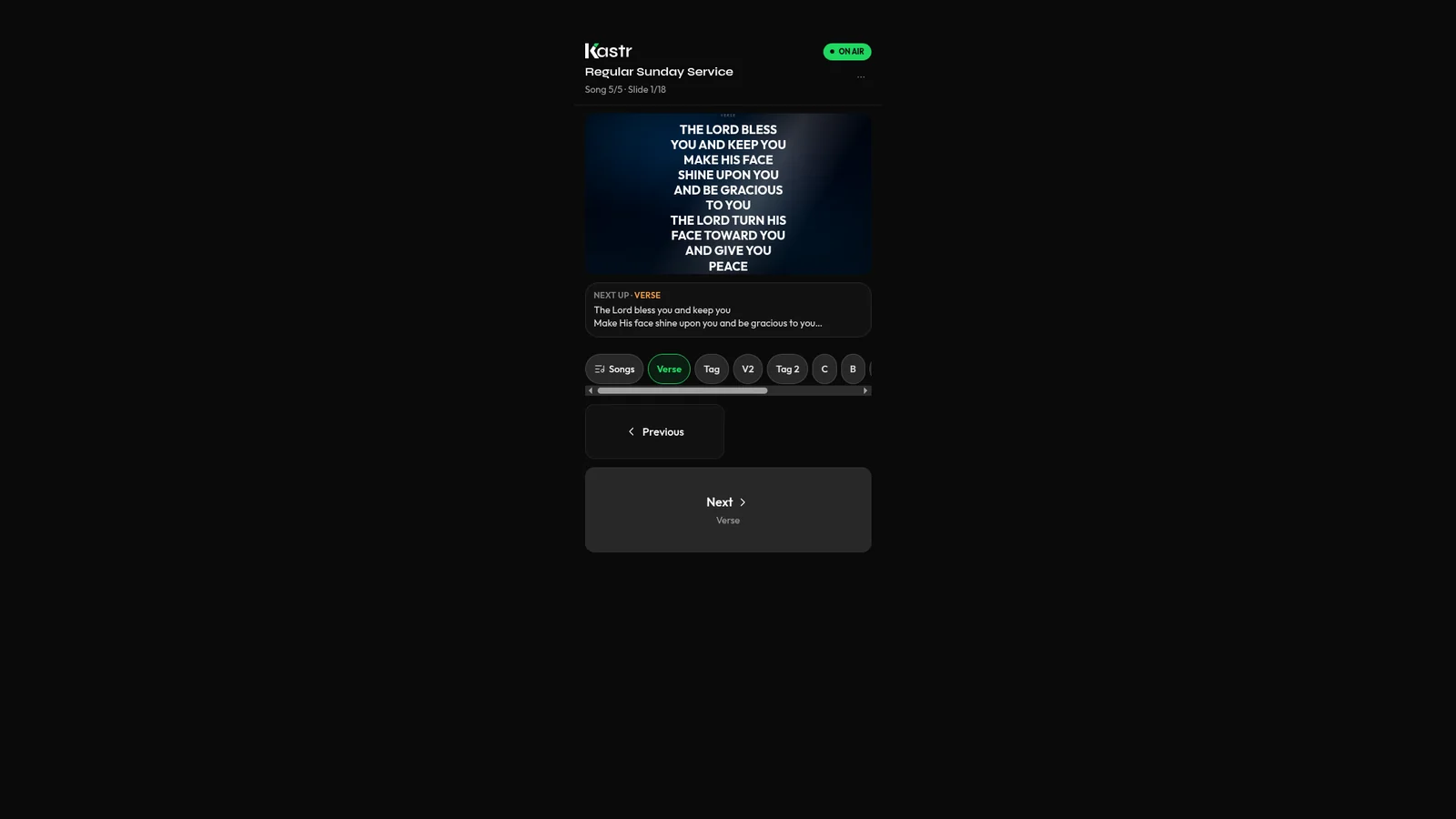
Kastr's phone clicker turns any phone with a camera and a browser into a remote for the deck. There's no app to install on the phone.
While the program is running, press Clicker in the top bar of the operator deck. A QR code appears. Your teammate scans it with their phone and gets next and previous buttons. When they tap next, the slide moves on every screen: the projector, any public screen links and the deck itself.
The header of the deck shows who is controlling it at any moment, so the operator always knows whose tap moved the slide.
Who should hold the clicker
There's no single right answer, and it can change from week to week. Some options churches use:
The worship leader, if they're comfortable tapping a phone on a music stand. They know the arrangement better than anyone.
A singer or musician who isn't leading, with the phone on their stand.
A volunteer sitting in the front row with a clear view of the stage.
The preacher, during the sermon, to move through their own sermon point slides.
Try a couple of arrangements at rehearsal and see which one your team likes.
Letting a guest click without an account
Sometimes the person you want on the clicker isn't on your Kastr team. It might be a guest worship leader or a speaker visiting for one Sunday. You don't have to invite them to the workspace.
In the clicker dialog, turn on Allow without sign-in. Now anyone who scans the QR code can use the clicker without signing in. When the guest is done, press New code. The old QR code stops working, so nobody can keep using it after the service.
Keeping the operator in control
Handing over control can make the person at the desk nervous. What if someone taps next by accident during the prayer?
Kastr has a switch for that. Press Clickers in the bar at the bottom of the deck to pause every phone clicker at once. While they're paused, only the operator can move the slides. Turn them back on when you're ready.
The operator can also still use the keyboard while the clicker is active. The arrow keys work as usual, and B blacks out the screens no matter who has been clicking.
A few habits that help
Agree on who is driving before the service starts. Two people pressing next at the same moment will skip a slide.
Keep the phone's screen awake during the worship set, or set a longer auto-lock time, so the clicker is ready when it's needed.
Make sure the phone has a connection, either mobile data or the church Wi-Fi, and test the clicker from where the person will stand before the service starts.
Use section labels in your songs. If the clicker holder taps past the chorus, the operator can jump straight back to it from the setlist.
When it saves the most trouble
The phone clicker earns its place in a few common situations. One is when the booth computer is far from the stage and the operator can't hear the band clearly. Another is when the worship leader likes to change the arrangement on the fly. A third is the small church where the person at the computer is also the sound person, and has their hands full during the set.
It also helps during sermons. A preacher with sermon point slides can move through them at their own pace instead of nodding at the booth.
Practise the handover
The first few times, the clicker holder and the operator will step on each other a little. That's normal. Run the set at rehearsal with the clicker in use, and agree on simple signals: who takes over for scripture, who handles the announcements, and when the operator pauses the clickers. After two or three Sundays it usually becomes routine, and the operator can focus on the parts of the service that need a keyboard.
Part of every Kastr workspace
The phone clicker is free, like every Kastr feature. It works from web Kastr and from Kastr for Windows, and there's no limit on which programs can use it.
Try it at your next rehearsal
Open a program, press Clicker, and hand your phone to the worship leader for one run of the set. You'll know quickly whether it suits your team.
Download Kastr for Windows or open Kastr in your browser and try the phone clicker this week.
Need offline projection on Sunday?
Kastr for Windows runs fully offline on the booth computer. Download the installer once when you have a connection, then run your program without signing in.
More from the blog
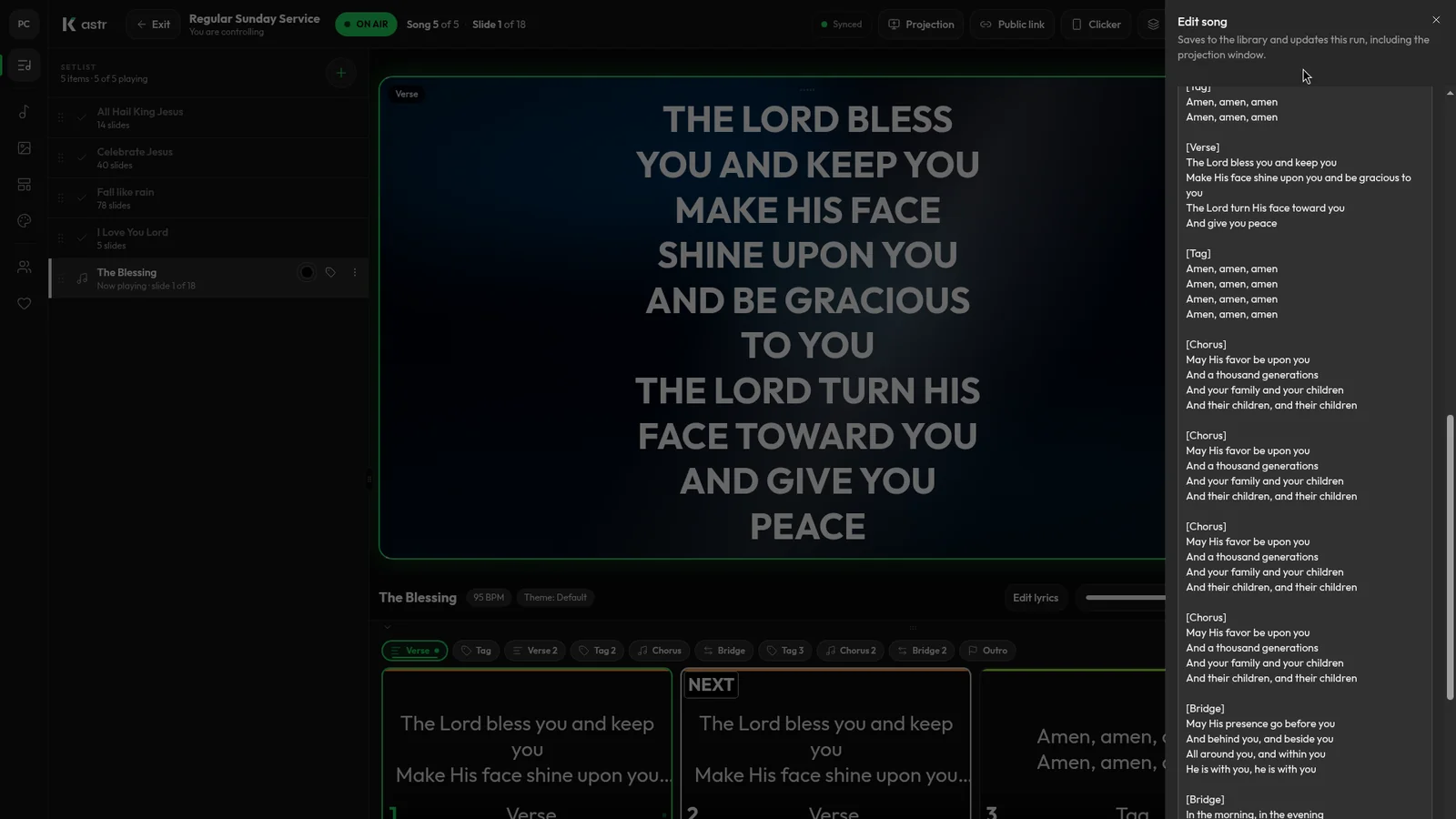
How to format song lyrics into slides that are easy to read
Readable lyric slides come down to how you format the text before it hits the screen. Here's how to prepare lyrics so Kastr builds clean slides every time.
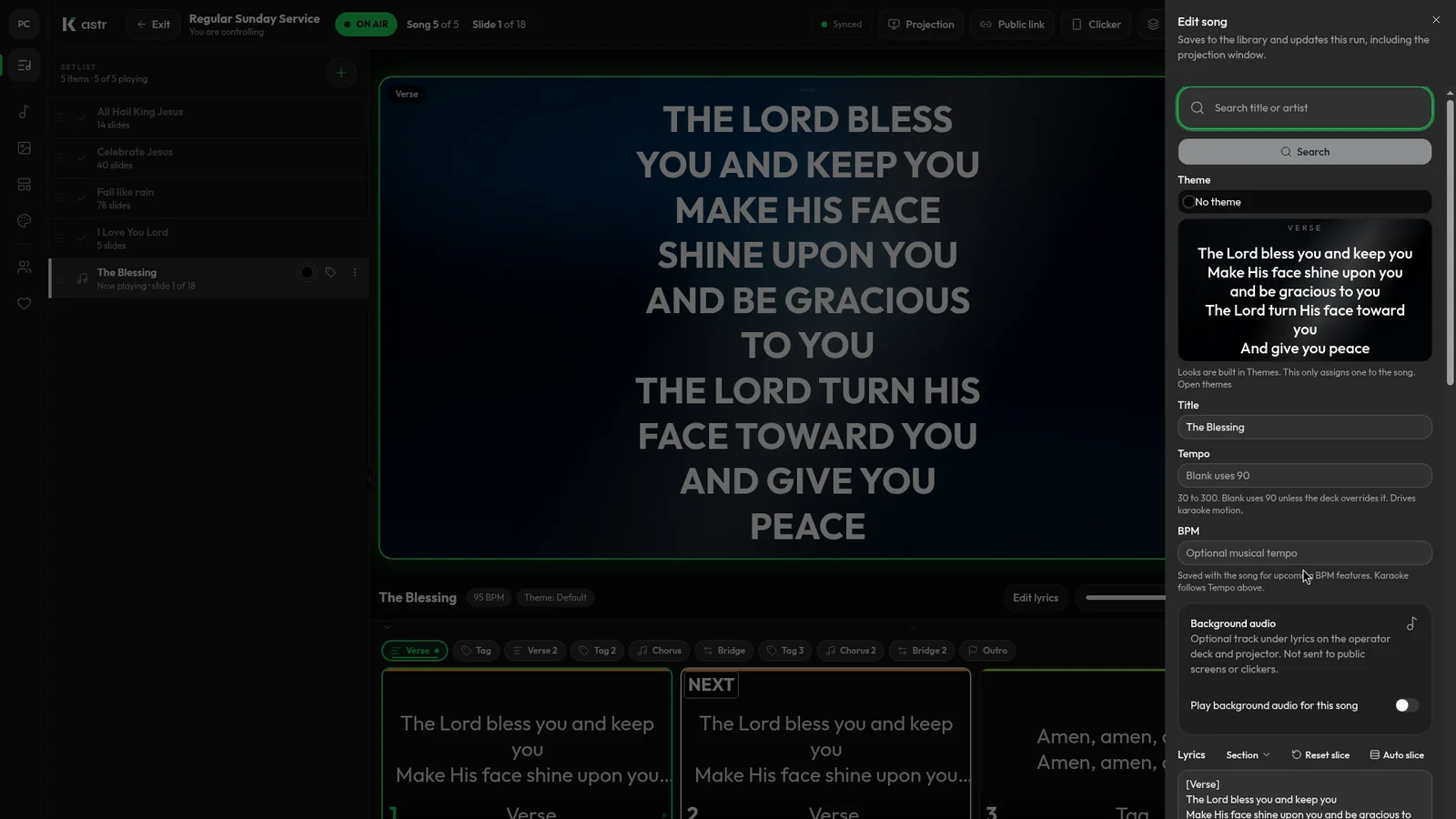
Handling song changes and typos during a live worship service
Worship rarely follows the plan exactly. Here's how to add a song, fix a typo or reorder the set mid-service without the screens going blank.
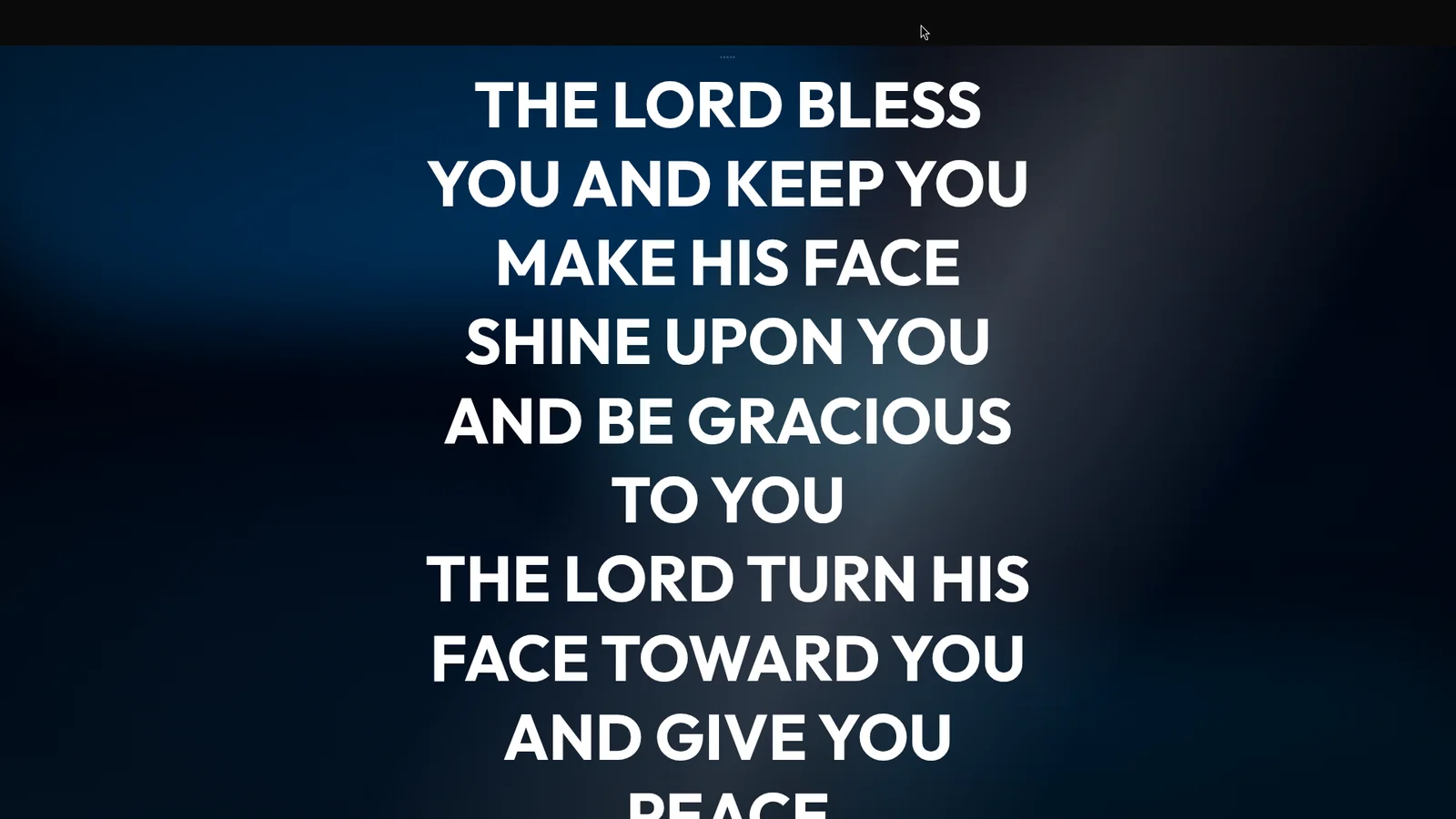
Show live lyrics on the projector, lobby TVs and phones at once
The main projector isn't the only screen that needs lyrics. Here's how to put the live slide on lobby TVs, phones and stream computers from one deck.